Unleash Your Audio Library

A cross-platform graphical user interface for OrpheusDL. Search & download across multiple music streaming services with ease.
Trailer Thumbnail
Apple Music
Beatport
Beatsource
Deezer
Qobuz
SoundCloud
Spotify
Tidal
YouTube
Apple Music
Beatport
Beatsource
Deezer
Qobuz
SoundCloud
Spotify
Tidal
YouTube
Apple Music
Beatport
Beatsource
Deezer
Qobuz
SoundCloud
Spotify
Tidal
YouTube
Apple Music
Beatport
Beatsource
Deezer
Qobuz
SoundCloud
Spotify
Tidal
YouTube

What It Does

A completely overhauled experience eliminating the need for terminal commands.

Universal Links

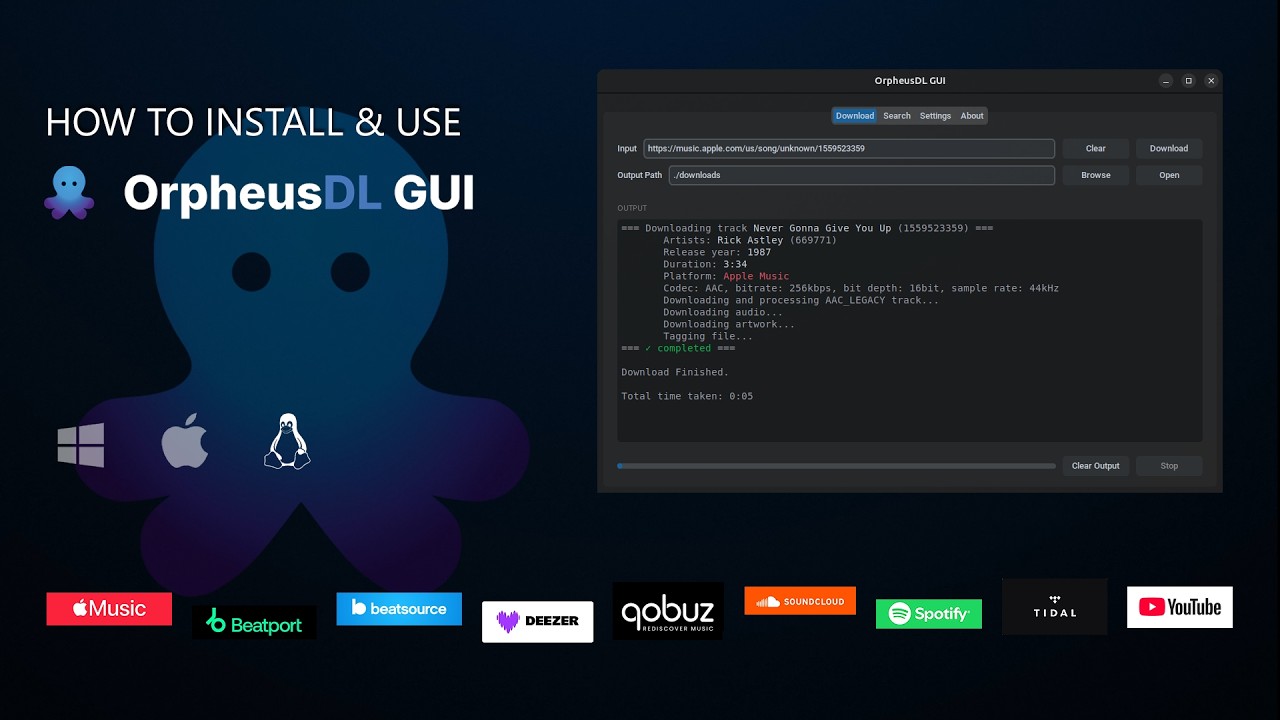
Simply paste links from your favorite streaming platforms. Or use a text-file with url links to download in batch.

Smart Search

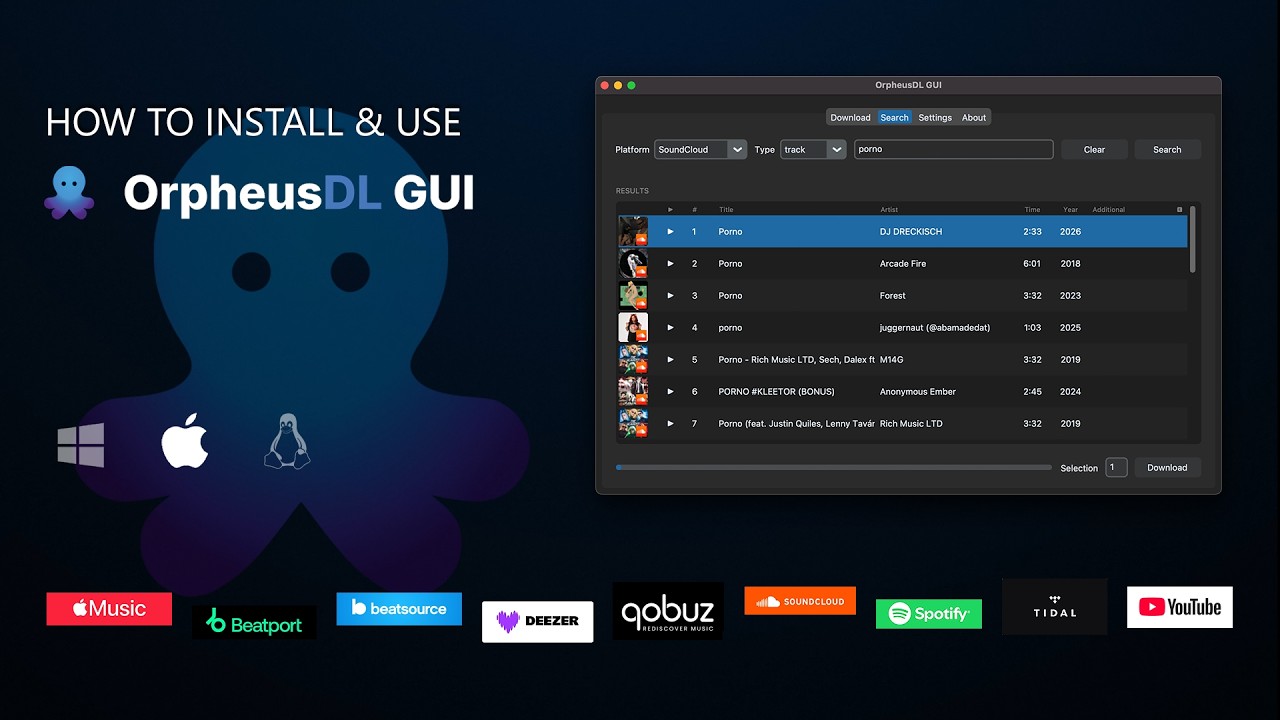
Search across all platforms simultaneously without needing an account. View duration, track count, and release year, complete with Dolby Atmos, Hi-Res & Explicit tags.

Advanced Configuration

Easily edit settings, manage modules, and authenticate directly from the clean interface without touching JSON Files.
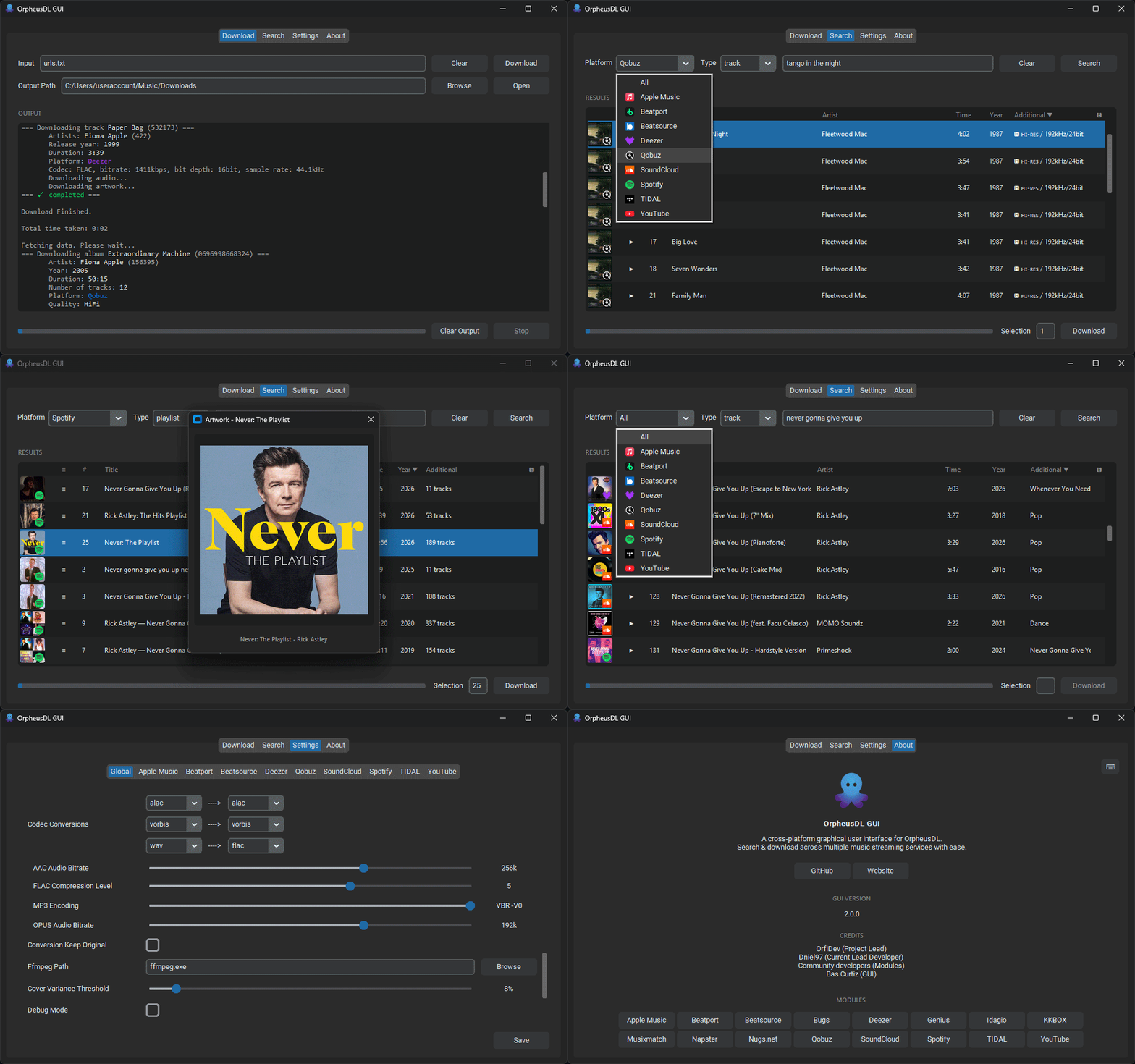
OrpheusDL GUI interface overview animated
Click to enlarge

What's New?

Chronological updates, new features, and bug fixes for the OrpheusDL GUI project.

v2.0.2

3/4/26
  • Added a direct link to the release page in update pop-up for easier access.
  • The installer now reminds the user to close the application before proceeding.
  • Fixed an issue where two versions appeared in the Control Panel (old and new). The old version is now properly overwritten.
  • The installer no longer overwrites settings.json and no longer deletes cookies such as cookies.txt and youtube-cookies.txt.
  • Replaced the Search button with a Stop button - when searching - to allow cancelling searches.
  • Fixed an issue where disabled platforms (e.g. YouTube) saved in settings.json were reset after restarting the app.
  • Apple Music: Fixed incorrect duration tag in ALAC/ATMOS tracks, which previously caused tracks to play too short.
  • Fixed an issue where Deezer ARL and Qobuz ID/Token could not be entered or saved.
  • Improved filename formatting: {explicit} now uses the stylized 🅴 symbol instead of [E] in filenames, albums, and playlists.
  • Updated to deno v2.7.11

v2.0.1

31/3/26
  • Fix: Beatport label wasn't showing proper covers, artist names, year, and catalog number
  • Fix: When using arrow up and down in search result, lazy-loading for covers wasn't kicking in
  • Fix: When using page up/down or home/end focus bar wasn't jumping along
  • Fix: When hitting enter to expand an entry in search result, the focus of selection bar was gone

v2.0.0

30/3/26
  • Enhanced Search Info: Added much more metadata in results. See comparison
  • Advanced Track Variables: Support for {artist}, {artist_id}, {artist_initials}, {album_artist}, {name}, {album}, {track_number}, {total_tracks}, {disc_number}, {total_discs}, {id}, {album_id}, {label}, {catalog_number}, {isrc}, {release_year}, {explicit}, {quality}
  • Apple Music: Added support for super-high resolution (3000px) cover art.
  • Spotify: Added ISRC metadata to track downloads.
  • TIDAL: Fixed support for both synced and embedded lyrics.
  • Quality Indicators: Now displayed in concurrency downloads (vs sequential).
  • Keyboard Shortcuts: Added a full suite of shortcuts. Press F1 for an overview.
  • Audio Customization: Added an OPUS bitrate adjustment slider.
  • Search Filtering: Select specific platforms to include when searching 'all'.
  • Android Support: Introducing Web UI for Android via Termux.
  • Updated Core: Synced with latest gamdl 2.9.3, deno 2.7.9, and yt-dlp 2026.03.17.

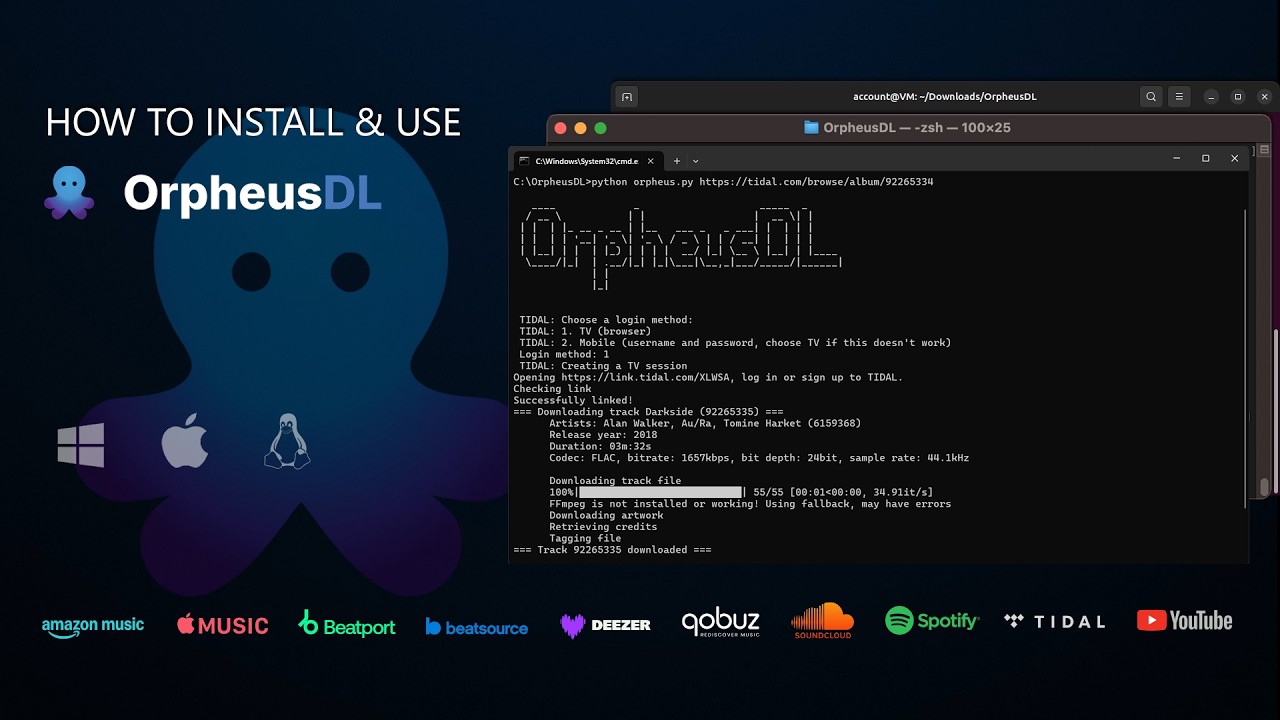
How to Install

Get up and running in minutes on your preferred platform.
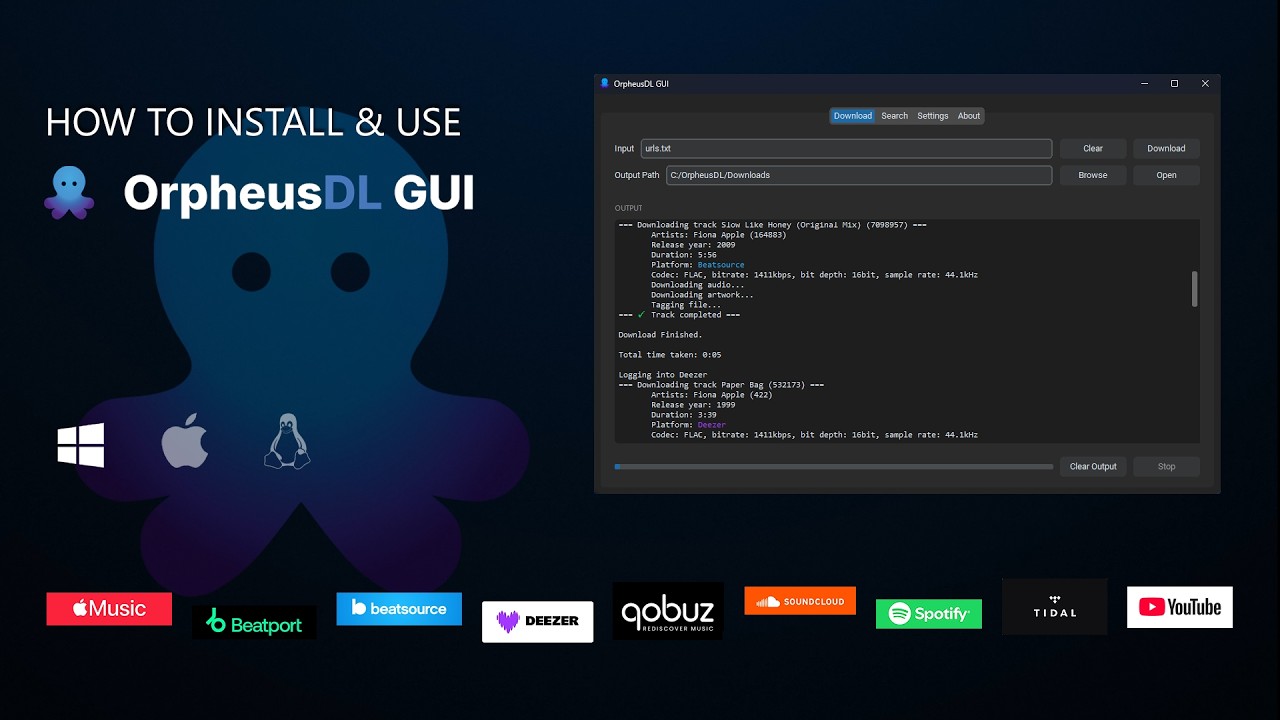
Installing on Windows

  1. Download the compiled installer `.exe` from the Releases page.
  2. Double-click the executable to install or run.
  3. Follow the prompt to install any missing dependencies if signaled.
Windows Installation

Installing on macOS

  1. Download the compiled `.dmg` from the Releases page.
  2. Drag the app to your Applications folder.
  3. If prompted about unverified developer, approve it in Settings > Privacy & Security.

Standard Install

macOS Standard Install

Older macOS (No Homebrew)

macOS Legacy Install

Installing on Linux

  1. Download the compiled `.AppImage`, `.deb` or `.zip` from the Releases page.
  2. Ensure it has executable permissions (`chmod +x`).
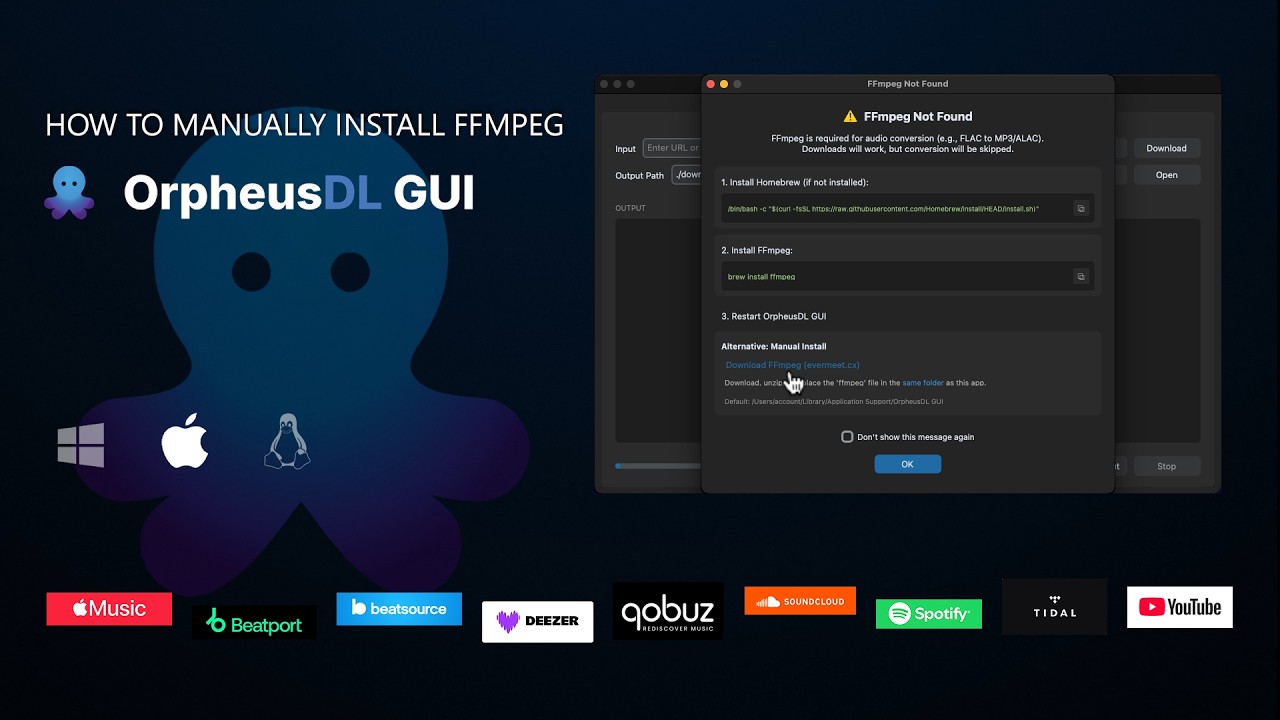
  3. Run the application. Make sure `ffmpeg` is installed on your system.
Linux Installation

Installing on Android

  1. Install Termux via F-Droid.
  2. Download install_orpheus.sh from the repo.
  3. Open it in Termux.
  4. Ensure it has executable permissions (chmod +x install_orpheus.sh).
  5. Run it: ./install_orpheus.sh.
  6. Run the Web UI: cd OrpheusDL && source venv/bin/activate && python webui.py
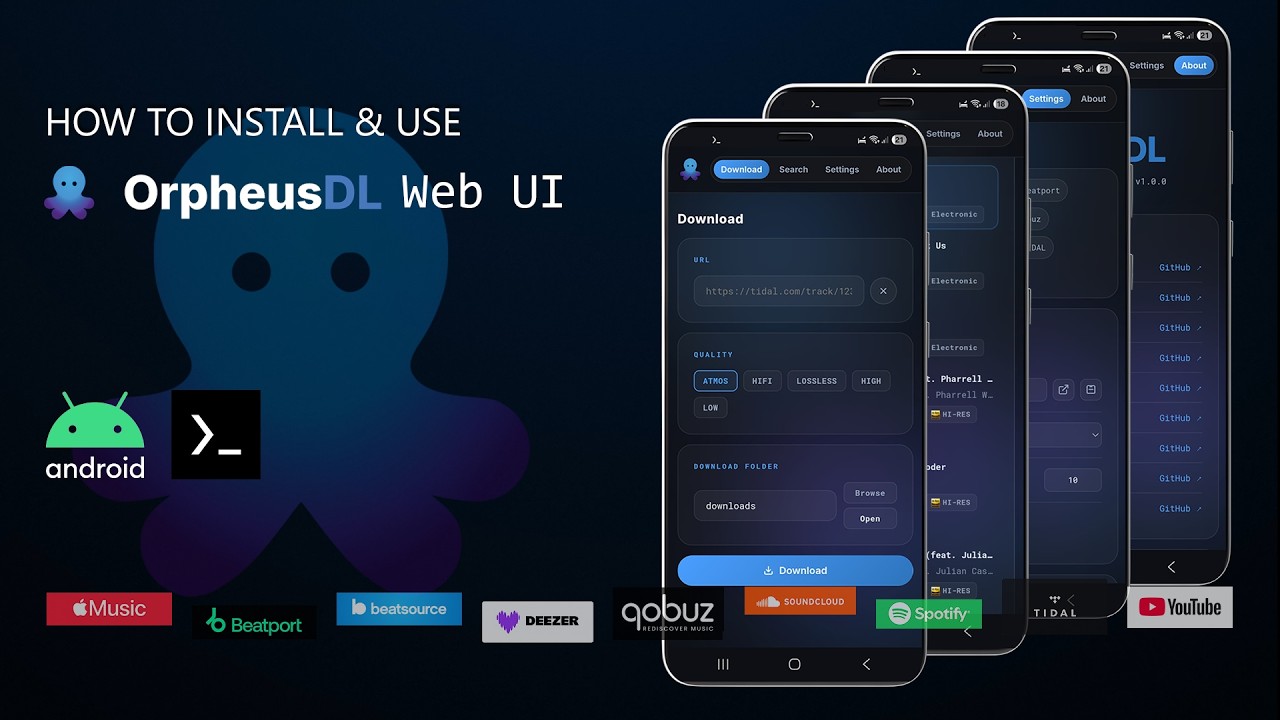
Android Installation

Master the Modules

Comprehensive video guides for every feature to maximize your experience.
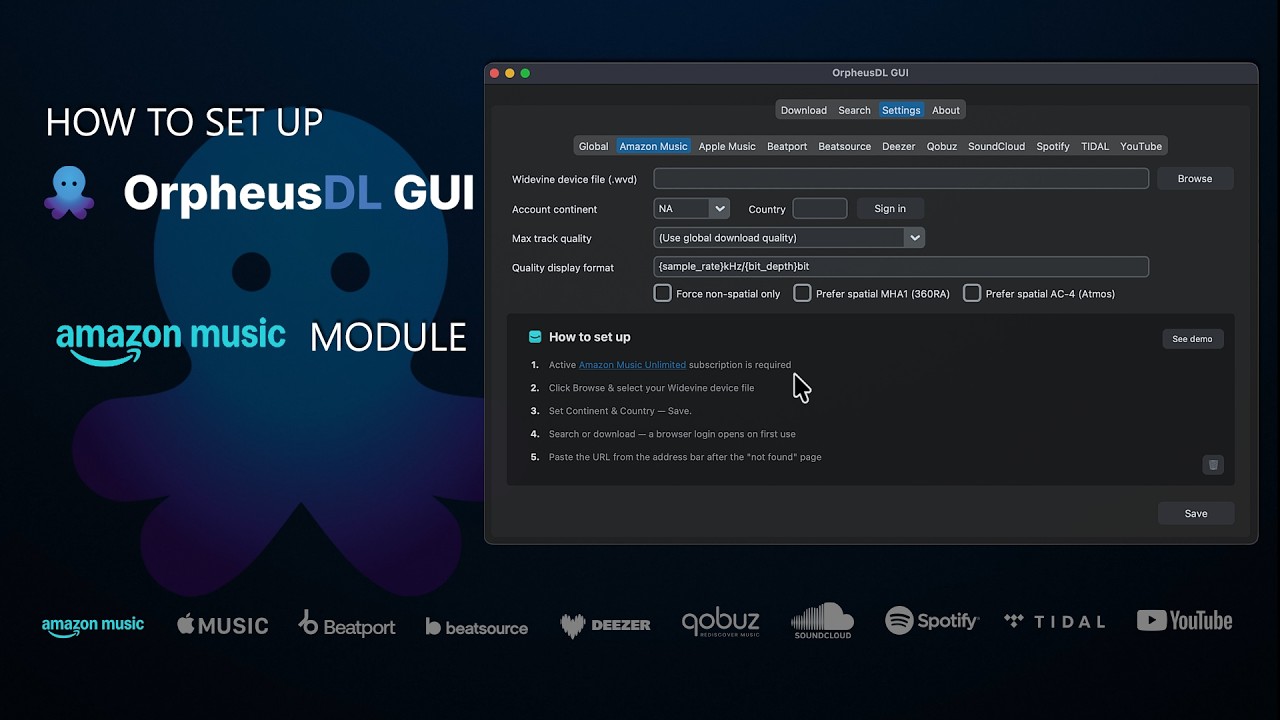
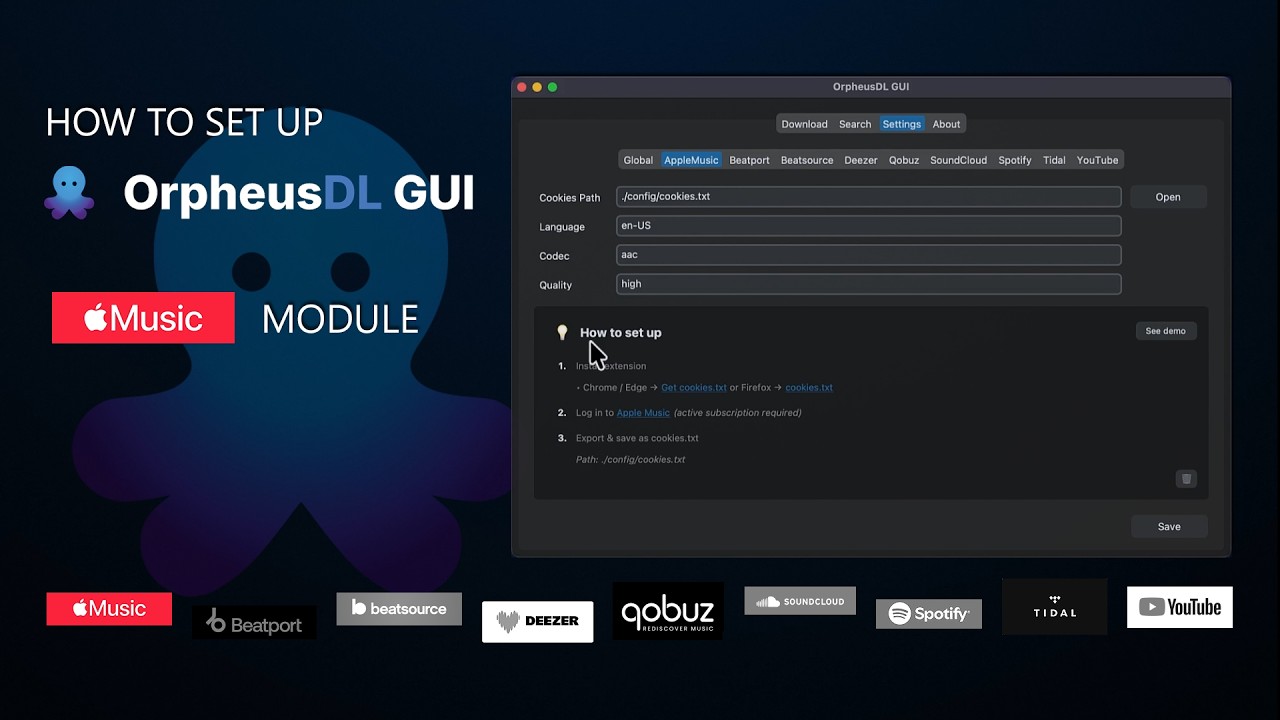
How to set up Apple Music

How to set up Apple Music

Cookies-based setup.

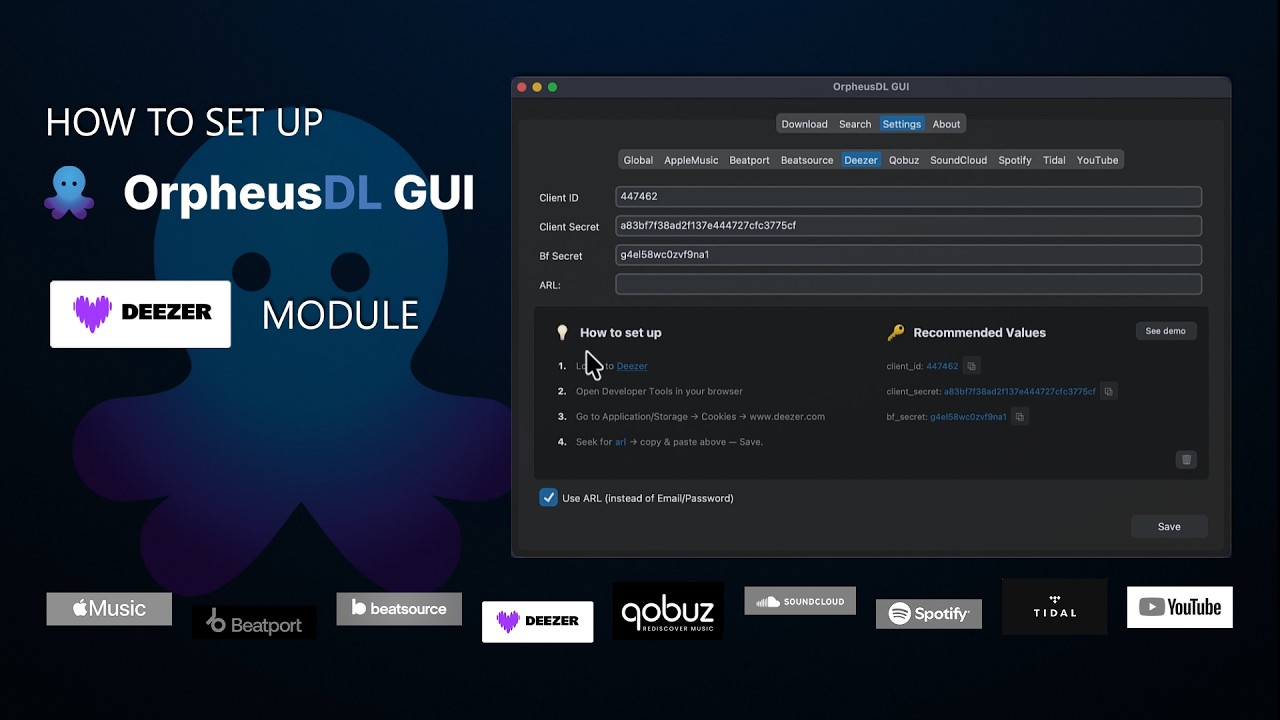
How to set up Deezer

How to set up Deezer

'arl' cookie extraction.

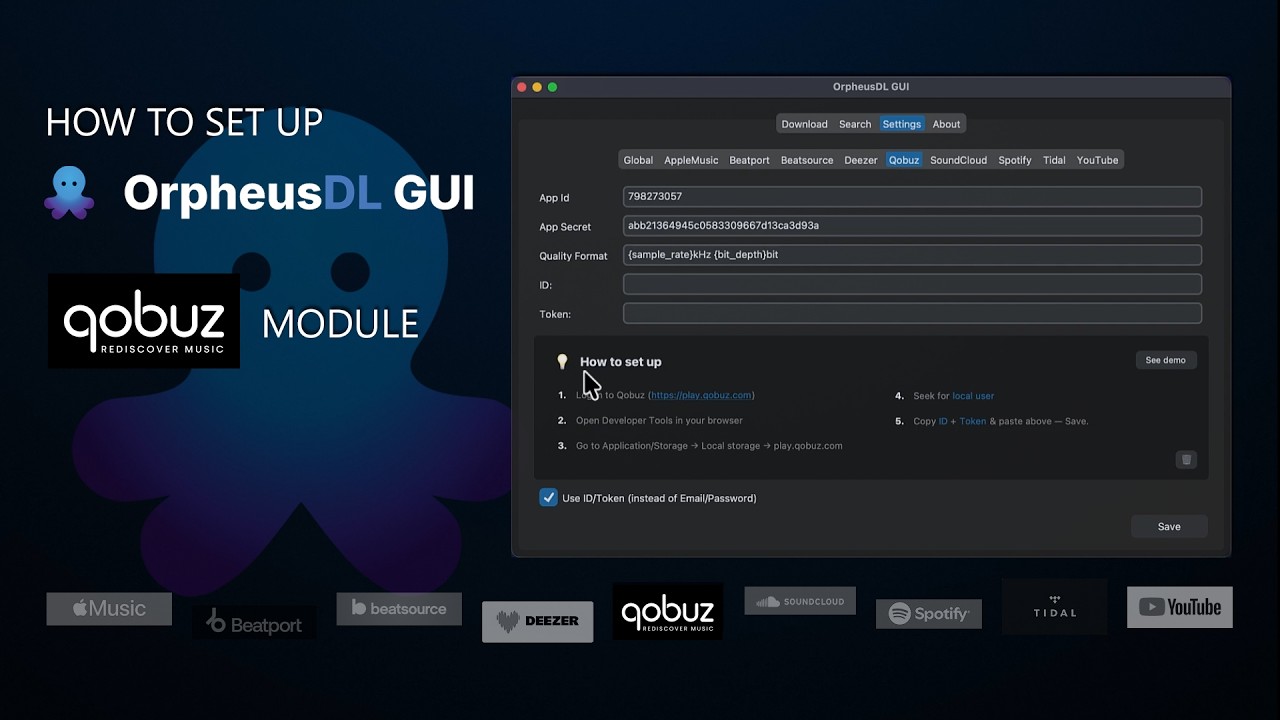
How to set up Qobuz

How to set up Qobuz

Local storage token guide.

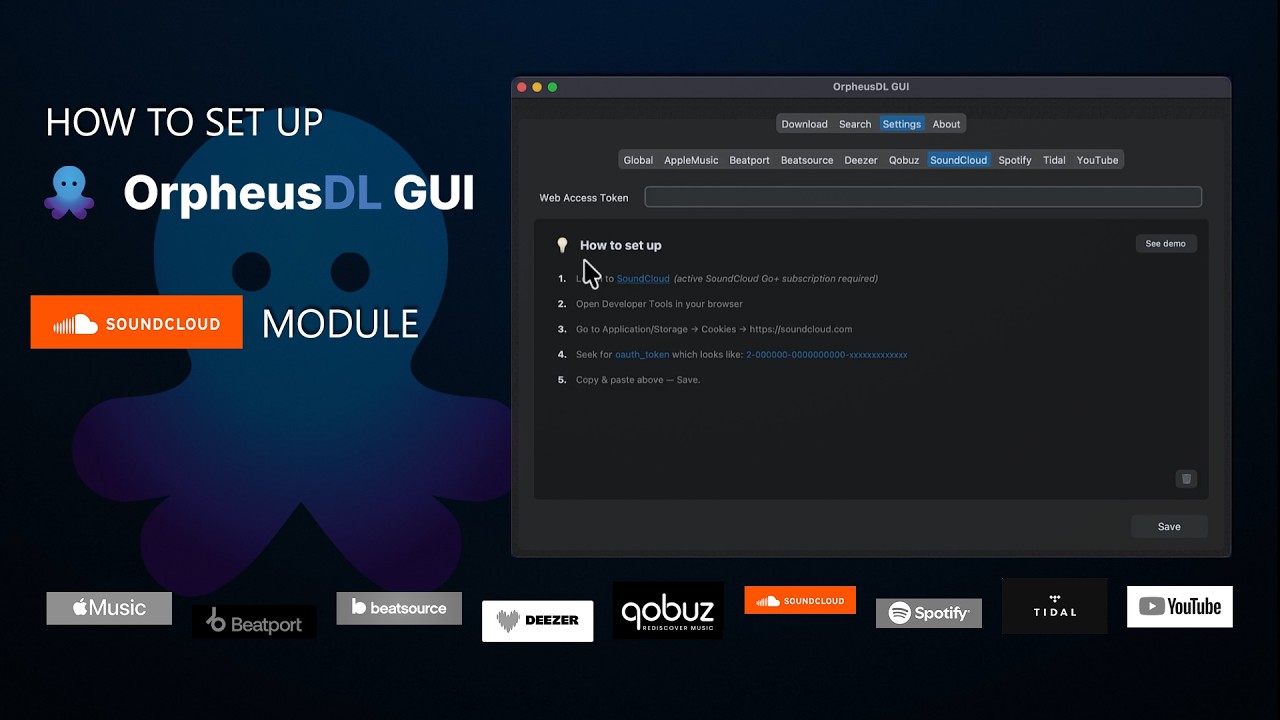
How to set up SoundCloud

How to set up SoundCloud

Oauth token extraction.

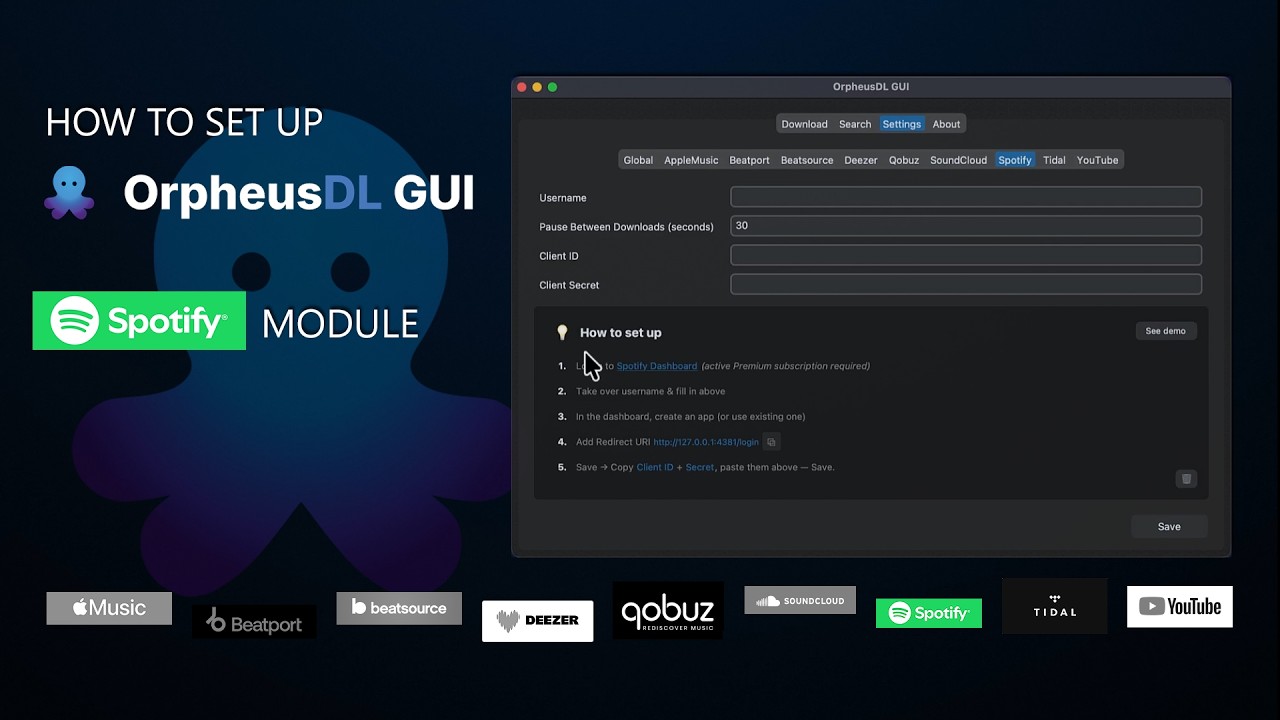
How to set up Spotify

How to set up Spotify

Dashboard App creation.

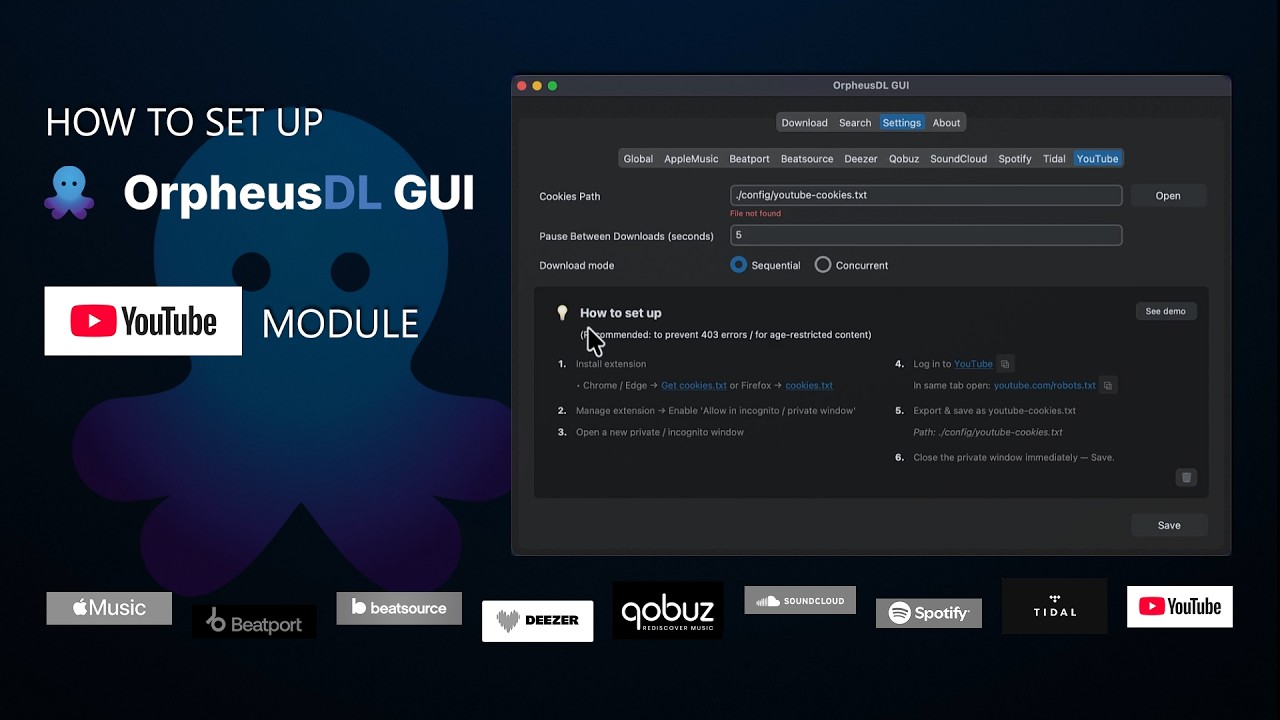
How to set up YouTube

How to set up YouTube

Private window cookie export.

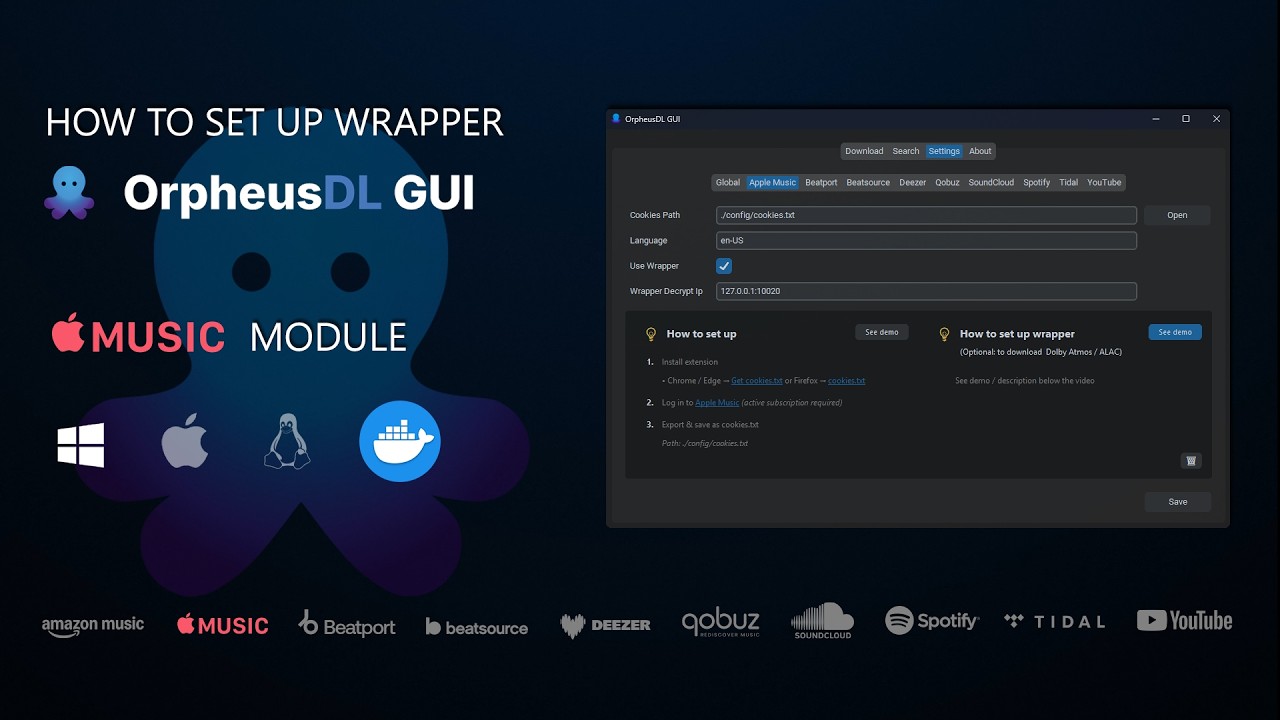
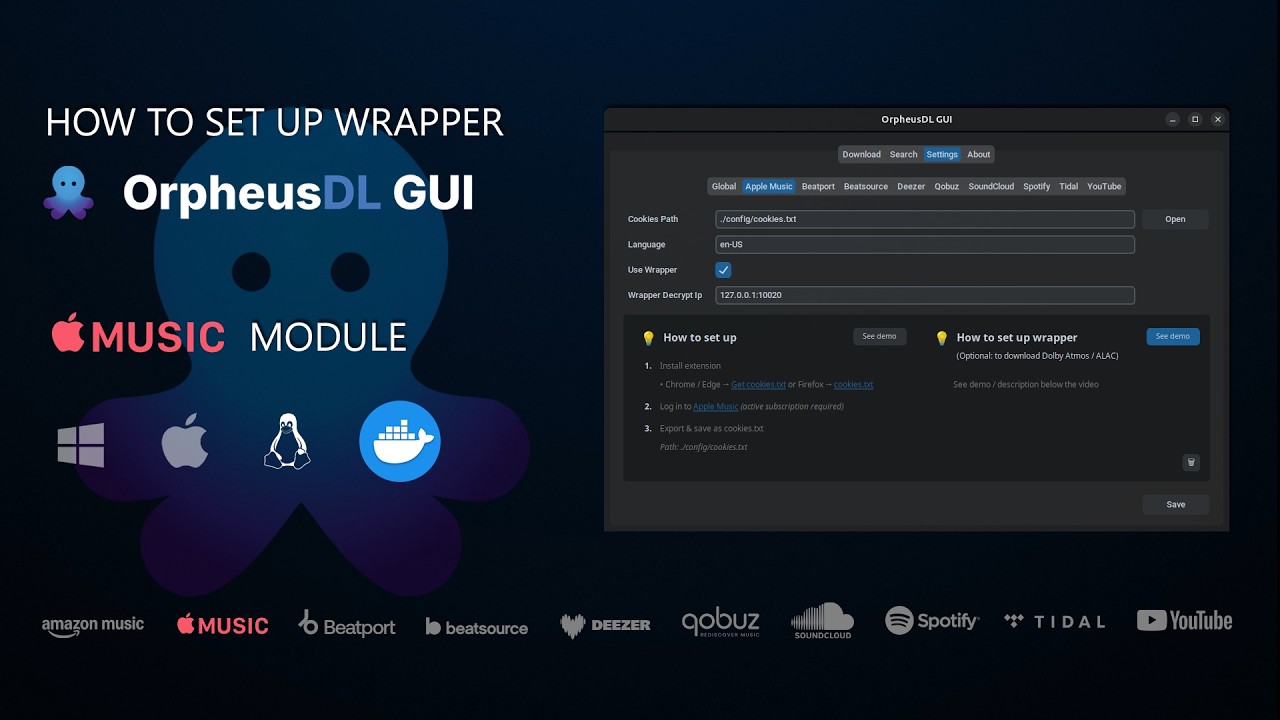
Tutorial Windows Wrapper

How to set up Wrapper (Windows)

Docker-focused detailed steps.

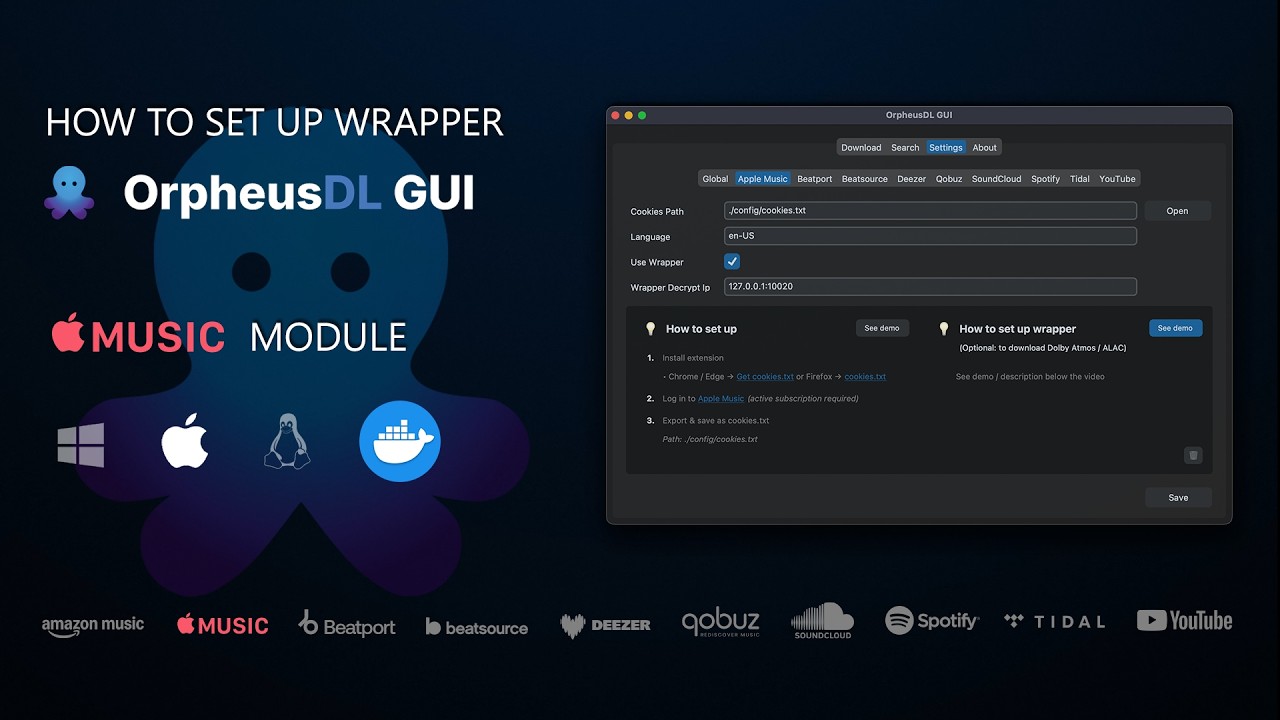
Tutorial macOS Wrapper

How to set up Wrapper (macOS)

Docker-focused detailed steps.

Tutorial Linux Wrapper

How to set up Wrapper (Linux)

Docker-focused detailed steps.